

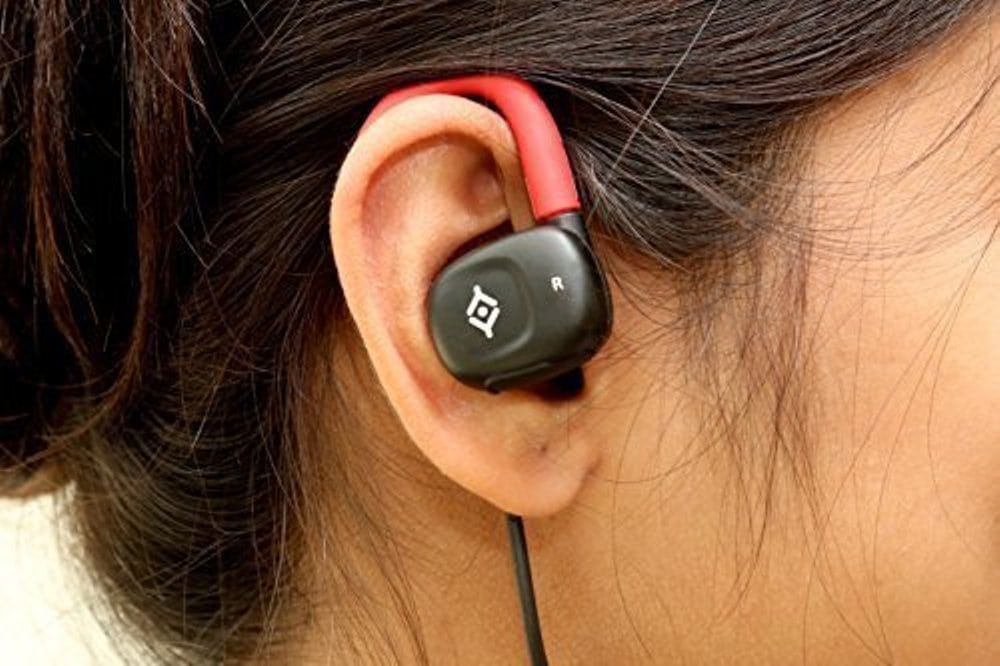
Earbuds offer the best combination of sound quality, portability, and blockage of external sounds. For most people, they help drive their work and productivity, especially when listening to good music. While it’s common knowledge that earbuds turn off distractions and also go a long way in helping people get down to business, most users, however, find it difficult making the buds stay comfortably in their ears which is why we produced this short guide on how to wear earbuds.
Earbuds vary by model and getting them to sit comfortably in one’s ears makes it very difficult for them to fall off while running. Earbuds don’t fit everyone. Especially the ones without Silicone tips. The fact that some earbud lovers have ears that just don’t let earbuds stay-in properly makes it more annoying.
There are potential reasons why earbuds don’t stay secure or fit in comfortably in the ears. These reasons include:
- When the earphone sleeve is too large for the ear canal.
- When the ear canal too slippery to grab the sleeve due to perspiration.
- The ear canal could be too small for even the smallest earphone sleeve. This situation is common for people of small stature.
- The ear canal has an acute angle of entry.
- The earphone cannot be fully inserted, or the earphone nozzle presses against the ear canal.
- The earphone sleeve is too small for the ear canal.
- The ear canal is too slippery to grab the sleeve due to ear wax.
Check Out: Gaming Laptop Under $1000
How To Wear EarBuds Correctly
If you are tired of your earbuds falling off, having to adjust them every 10 seconds, struggling to loosen, tighten or get them seated well in your ear, then you need to follow these tips.
Step 1: Start by choosing the right pair
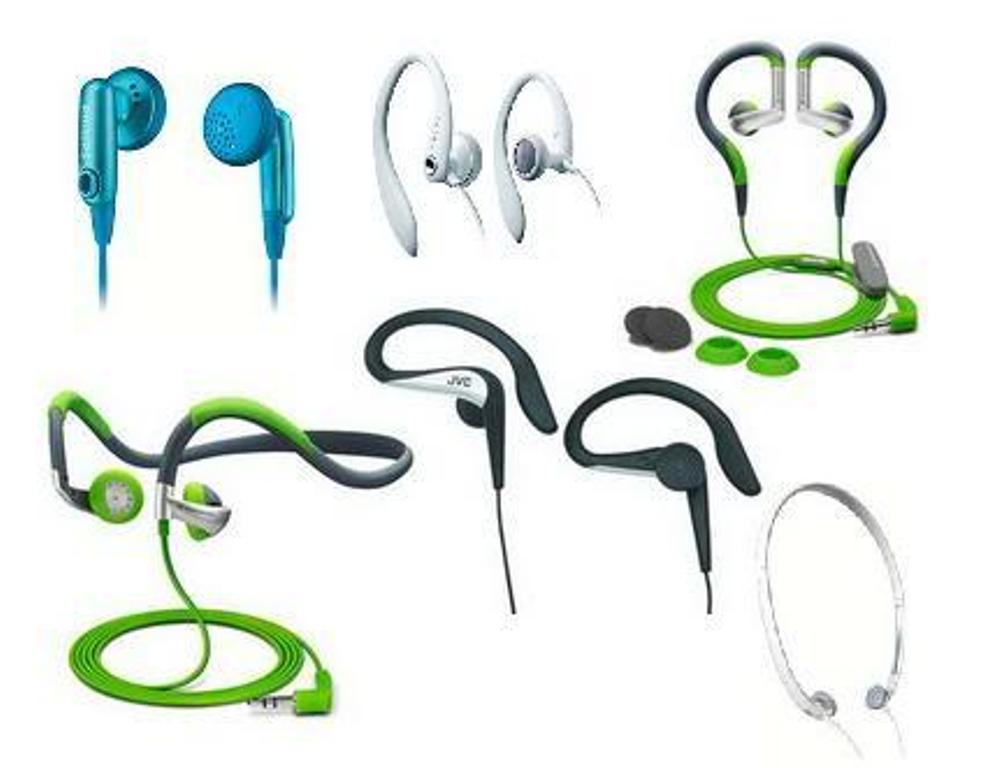
Getting the most out of your earbuds starts with buying the right pair. That doesn’t necessarily mean the most expensive. There are a lot of different earbuds in the market, so you’ll want to look at a few before picking.
Read Also: How To Connect Xbox One Controller To PC Wirelessly
Most manufacturers attach several different-sized replacement earpieces in every package with silicone or foam earpieces. These sizes can range from the very small to the very large. So, take your time to select the right pair.
Step 2: Check for “L” and “R” labels near the ear cups.
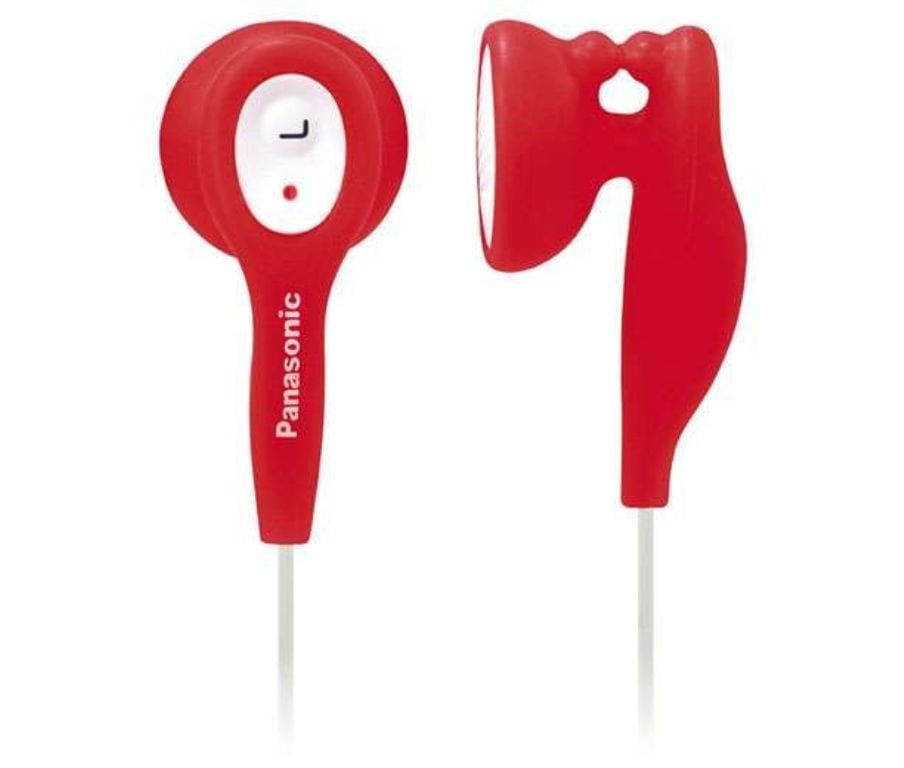
Many headphones spell out which ear cup goes over the left ear and which one goes over the right. Check around your ear cups for the “L” and “R” markings, which mean “Left” and “Right”. Once you find these markings, follow the instructions for distinguishing which ear cups goes over which ear. But if you don’t find these markings, you can wear the cups over either ear.
Read: Best Audiophile Headphones Reviewed
Step 3: Bring them up and around your ears
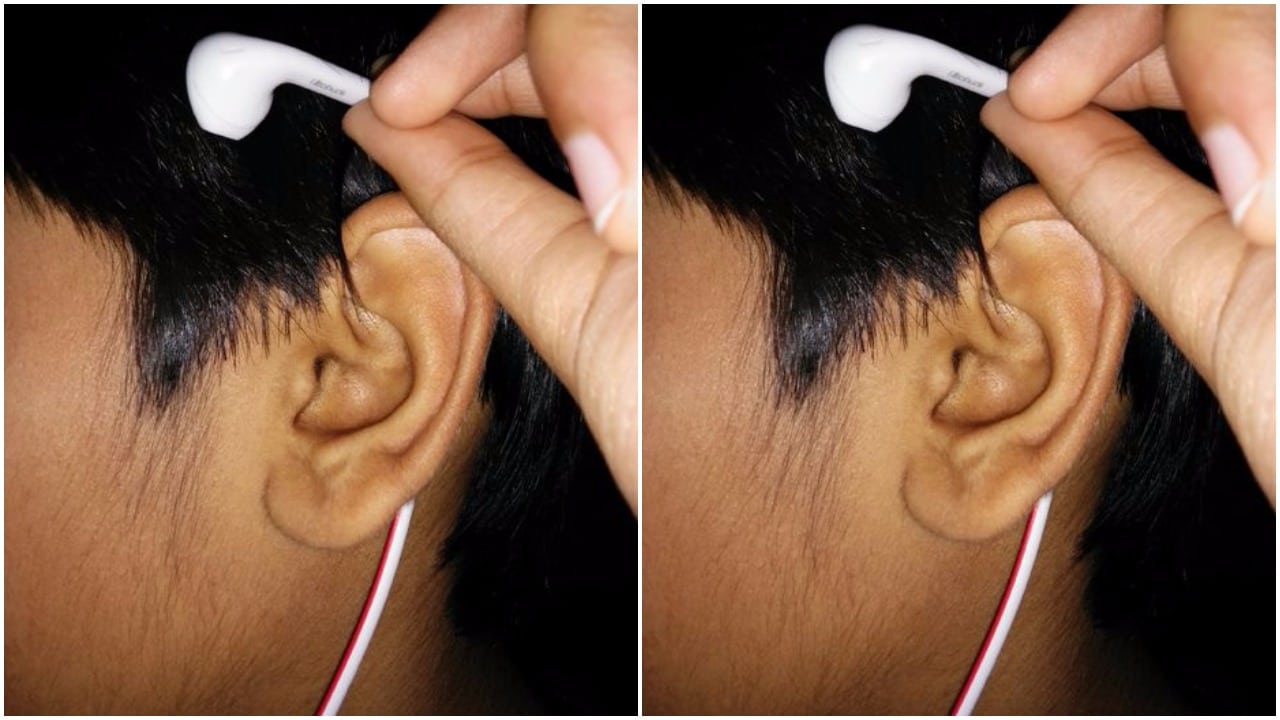
Hold the earbuds and take them to the back of your ear. Then place the tips of the buds in your ears and push them in just a little bit. Use both hands to seal them up. For your left ear, reach up with your right hand and grab your left earlobe. Pull the lobe downwards a little to widen your ear canal. Then, use your left index finger to gently push the tip further into your ear and let go of your earlobe. Do the same for your other ear.
With these tips, we hope you’ll get the most comfortable fit out of your earbuds.
Sources:
- How Headphones Changed the World – The Atlantic
- How to Get In-Ear Headphones to Fit Properly – Techlicious
