

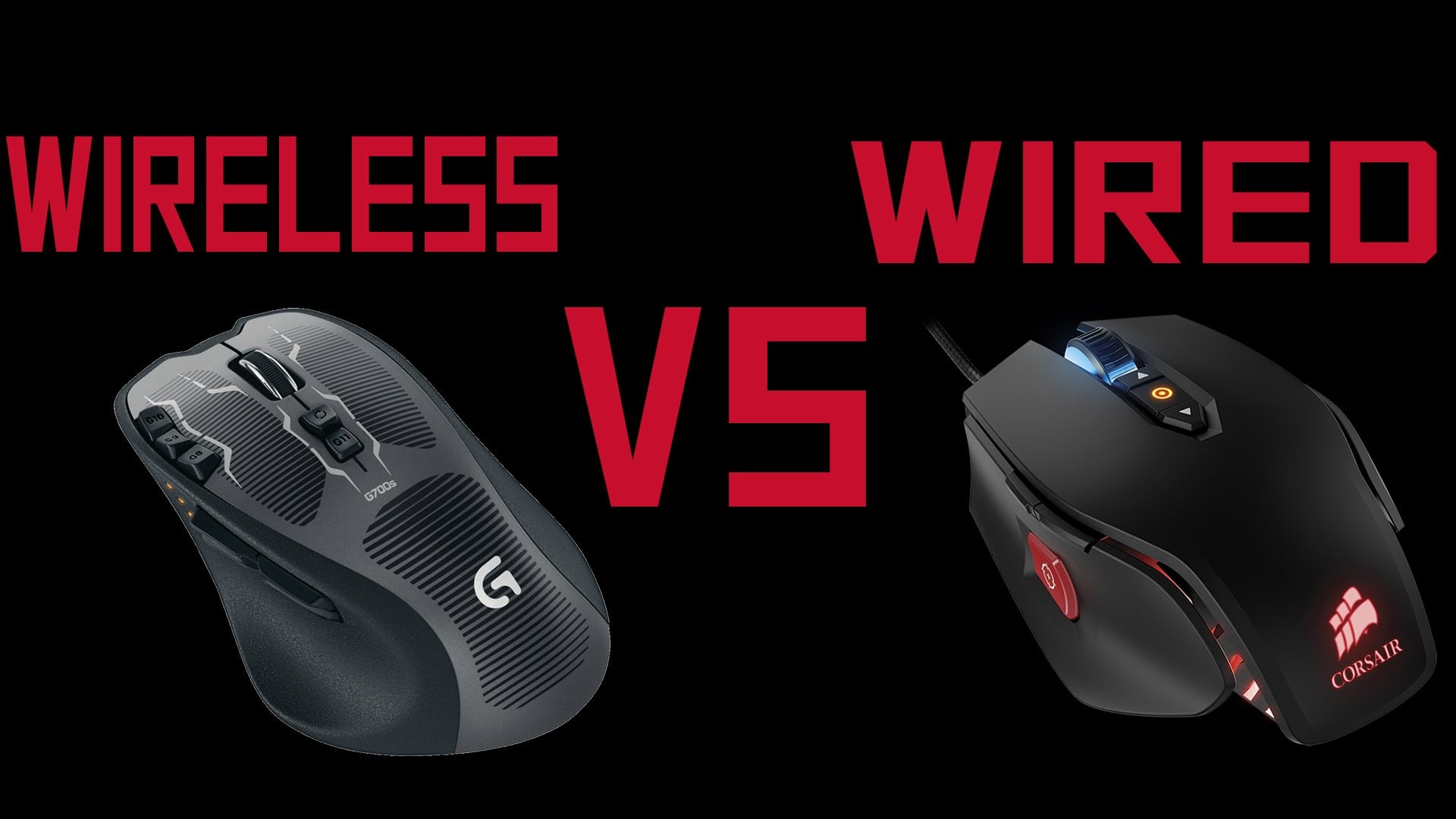
A wireless mouse provides superior comfort and convenience that cannot be matched by any wired mouse. Because there are no cables or resistance when moving the mouse, there’s so much freedom and unrestricted movement which leads to smoother tracking and faster flicks
The debate between wired mouse vs wireless mouse has been raging on for years, and shows no sign of dying anytime soon. While the primary function of both objects remains the same, the reasons behind the widespread debate between these two different kinds of computer mouse are plenty.
It involves a lot more than the simple matter of whether to have a tail or not! Today, we are going to take a look at some of the upsides as well as downsides of each of these two mouse types to determine who emerges the winner in the debate of wired vs. wireless mouse.
In order to do so, however, we are going to discuss the differences in terms of a few features and functions.
Wired Mouse vs Wireless Mouse: Here’s Everything You Should Know
Precision
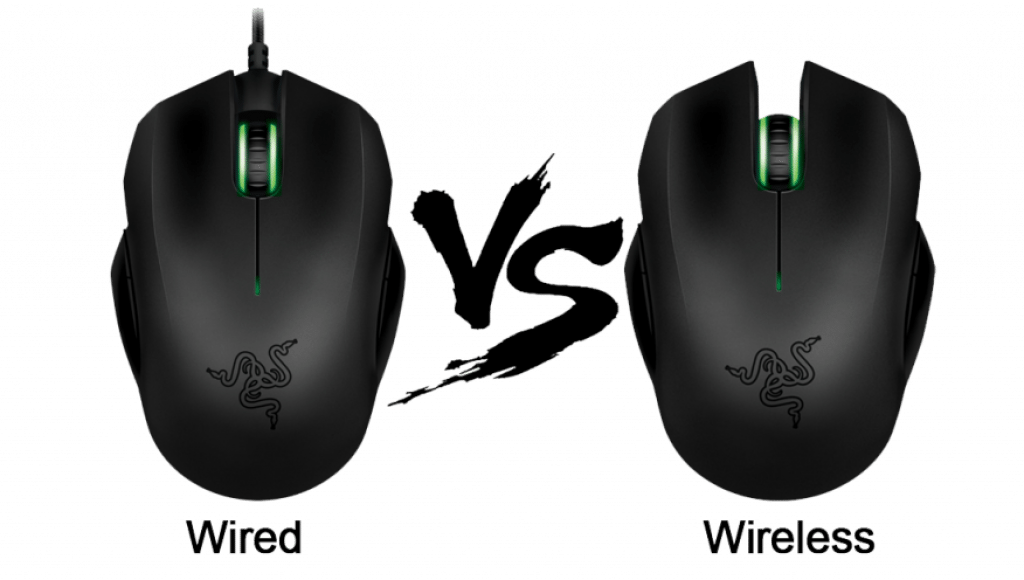
A wired mouse often tends to offer better precision and accuracy as regards their functioning. They are connected to the computer with an actual cable, which does not cause any disturbance due to interferences in the electromagnetic field. A wireless mouse, on the other hand, may not offer the same extent of precision and response if there is anything within range to interfere with the virtual connection. This issue cannot be resolved completely, although using strong and efficient wireless technology can ensure a strong connection between the mouse and the computer.
See Also: Excellent MMO Gaming Mice Review
Mobility
A wired mouse can only be stretched as far as the length of the wire. Beyond that point, it is not possible to move the mouse. This is where a wireless mouse actually scores a majority of their merit points. You can literally move a mouse pointer on your computer using a wireless mouse from a distance that is longer than any wired mouse can offer. This ability of a wireless mouse is, of course, restricted by the range of the mouse along with the signal strength of the wireless connection. Interferences may also disrupt the connection between the wireless mouse and the computer, but it does allow you the freedom of mobility.
Dongle or no dongle
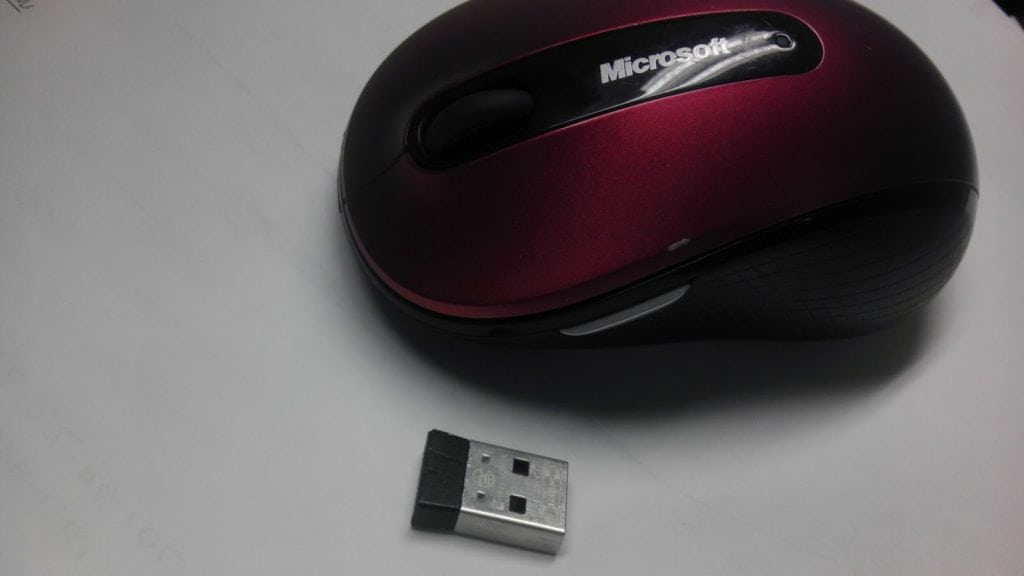
Wired mouse do not require the use of a dongle whereas a wireless one does. Either way, you have to reserve one USB port of your computer to attach the mouse. However, if you are using a wired mouse and a wired keyboard, you have to spare two USB ports for connecting the two separate devices. On the other hand, a single dongle can be used for connecting a wireless keyboard and mouse by ensuring that they are compatible with each other. You will be able to find plenty of wireless mouse and keyboard being sold as a combo.
See Also: Wireless, Wired & Bluetooth Trackball Gaming Mouse
The downside of a dongle is that in case it malfunctions or gets damaged, it may be slightly difficult to lay your hands on another such unit that is compatible with the two devices. Even if you do manage to find one such connector, you may have to fork out large sums of money.
Price difference
This is one of the major factors that determine the success of either versions of the computer mouse. Technological advancements in recent years have laid the platform for wireless mouse to be available at a price similar to their wired counterparts. However, there might still be a slight difference between the two versions of a similarly priced mouse. Moreover, if you were to check the price of the two versions of the same mouse, you will find a substantial difference. For instance, if you bought a wired and a wireless mouse from the same brand with similar features, you will find that the wireless version is pricier than the wired unit.
On the other hand, if you were to buy a wired and a wireless mouse of the same price, you will find the wired version has far better features and quality than the wireless unit.
Power
Wired mouse draws electricity from your computer to operate. On the other hand, a wireless mouse needs a battery to function properly. Hence, a wired mouse has less chances of malfunctioning, unless there is a defect with the unit. A wireless mouse, on the other hand, will not work properly if the batteries used in it do not have adequate power. Moreover, reduced power in the batteries might also cause the signal strength to fluctuate, and you may experience more interference.
All in all, there can be no clear winner in the battle of wired vs. wireless mouse. Each of them has their own advantages and disadvantages. Your choice of mouse connectivity will depend on your needs and preferences.
Sources:
- Why serious gamers won’t go for wireless mice – Techradar
- Wireless Mouse Click Latency Analysis Using Breadboard & USB – Gamers Nexus
