

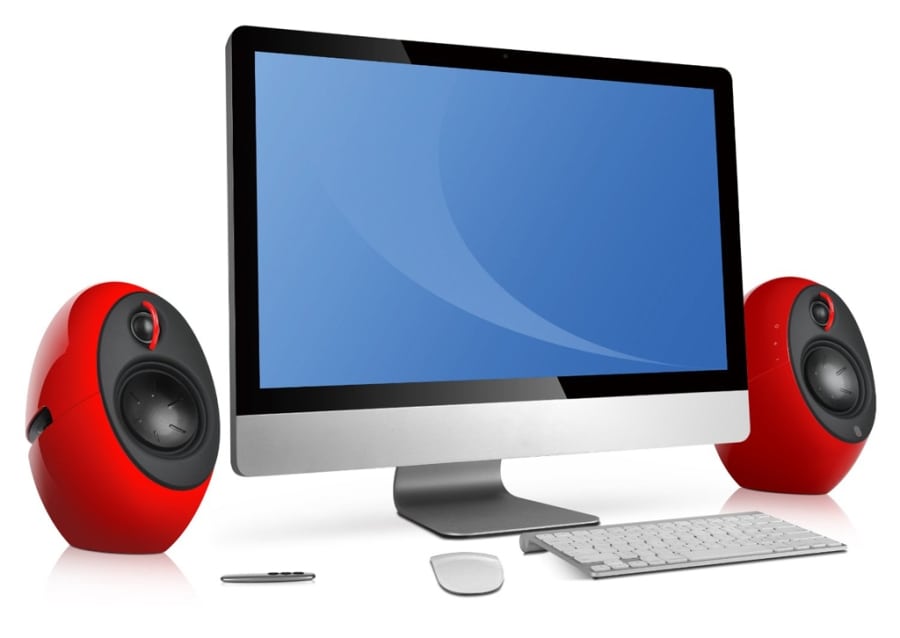
It’s no secret that music can enhance one’s life and as technology continues to evolve, bringing us closer to a better and much more easier life, we must follow the trend. Wireless computer speakers are one of such goodies that have made it easier for us to integrate our favourite tunes into our routines while at work.
Wireless computer speakers are usually the simple, cordless speakers connected to your laptops or PCs to give you quality sounds while busy with works either at home or in the office. There are two ways to go wireless — Bluetooth or WiFi. WiFi speakers are usually run on AC power and are connected to the office or home network, while Bluetooth speakers connect directly to a device like a phone or a laptop. They tend to be compact and battery-powered, making them more portable.
Why you should make the switch to wireless computer speakers
Most recent computers offer both WiFi and Bluetooth connectivity options but while you go on deciding which of the connectivities you would prefer for your listening pleasure, here are some of some important facts that will keep you informed on why you should switch to wireless computer speakers instead of dealing with cabled connections.
No wires between the speakers and your computer: As its name implies, wireless computer speakers comes with no wires with which you would use to manually connect to your personal computers like you usually do with your traditional speakers. These kinds of speakers have added flexibility that helps you connect to the world of digital sound. They are also versatile enough to be able to play music from virtually any Bluetooth music source, including smartphones, tablets and iPhones. With your device’s Bluetooth switched on, all you need do is to connect.
See Also: Bluetooth Earbuds Under 50 Dollars
They are very mobile: With wireless computer speakers, you are free to enjoy your music anywhere, anytime. Unlike your traditional speakers which are always attached to the music source, the wireless speakers work with virtually any Bluetooth enabled device including a desktop or laptop Bluetooth adapter and can be played within transmission range from the source. If you want to set up a speaker system on a deck, patio or swimming pool area, a wireless system may be ideal. Just put them wherever you want without worrying about cables – except for the power cables.
Quality of Sound: There’s definitely no need worrying about the quality of sounds the speakers will produce as most of these loudspeakers have the same sound quality as classical speakers with that deep, punchy focused mids and full-bodied lows. The bass response of these speakers is incredible, with reasonably good volume and are decently loud without any distortion. Interestingly, some of these wireless computer speakers like the Klipsch Groove are even water resistant so that it can take a splash of water from a swimming pool or a spilled drink, and still keep going.
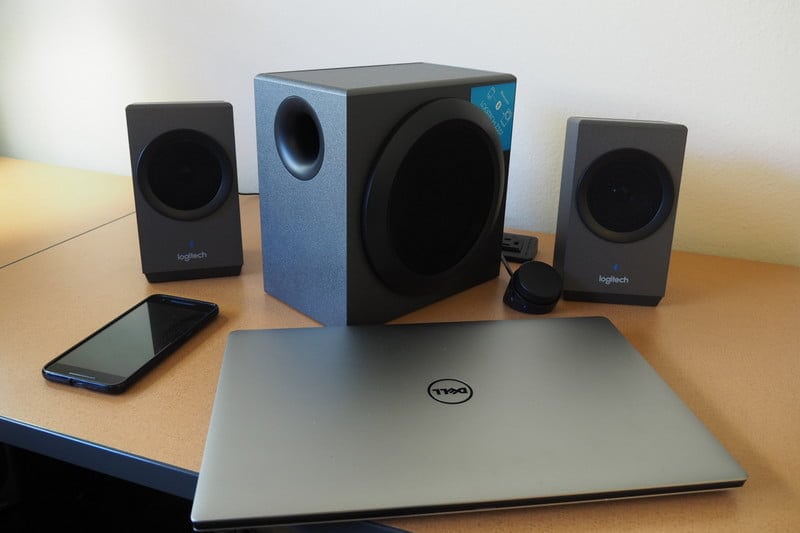
Portability: Most are also fairly portable, making them easy to take them to parks, the beach, or any other place that a group of people may want to listen to music together. Some of the speakers are just like most computers that weigh mere ounces and can be packed up and toted around in a backpack with ease and with no fear of them possibly breaking since many are built sturdily with this concern in mind.
Recommended: Budget Soundbars for an Excellent Sound Output
Serves as an additional beauty to your computer: with little or no wires to tangle around your personal computer, the wireless computer speakers helps to keep your working desk tidy and the computer beautiful. Thanks to the transmitter, untidy collection of wires connecting your computer to your speakers are a thing of the past, rescuing you from tripping over the cables or your home from overgrown with wires. Fewer wires also mean that connectivity is a breeze, so you can begin enjoying your music anywhere you want.
See Also: Cheap Gaming Laptop Under 1000 Dollars
Wireless computer speakers are quite simply the most versatile speakers that you need to enjoy your preferred music anywhere anytime. However, you can choose to buy a wireless speaker that is powered by either electricity or battery, but, in order to get the full benefit of the wireless speaker at any place of your choice, you would prefer the ones that are battery operated. This will enable you to put them just about everywhere you need since they’re really free.
Resources:
- Federal Communications Commission – Wireless Devices and Health Concerns
- Educause Review – From Distraction to Engagement: Wireless Devices in the Classroom
