

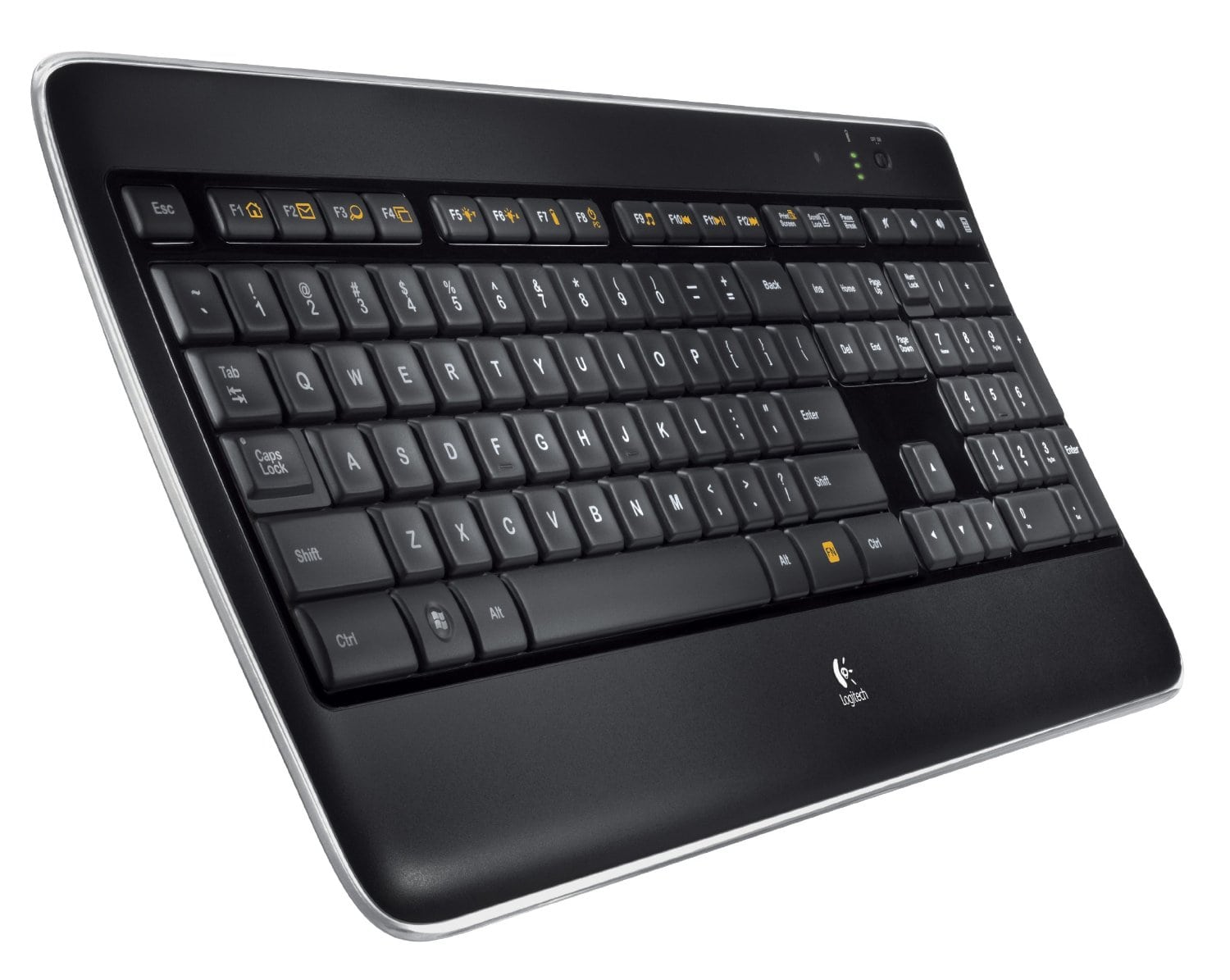
Mechanical keyboards are keyboards that come with full switches under each key. The technology behind these keyboards was used in the design of the original keyboards. Among the top advantages of mechanical keyboards is that apart from minimizing typos, they are durable, and satisfying to use. However, when it comes to buying a mechanical keyboard, you are spoilt for choice considering the dozens of models available in the market. Here are a few tips on what you should be looking for when buying a mechanical keyboard.
Things To Look For When Buying a Mechanical Keyboard

Determine What You Will Be Using the Keyboard For
Unlike membrane or scissor style keyboards, mechanical keyboards come with specific switches that are based on one’s purpose for the keyboard. While some switches require users to fully depress the key before a key press is registered, others have a short travel distance which translates to quicker clicks. Gamers prefer keys that require a user to fully depress them while writers require keys with shorter travel distances.
See Also: Review of Gaming Laptops Under 1500 Dollars
Which Switch is The Best for You?
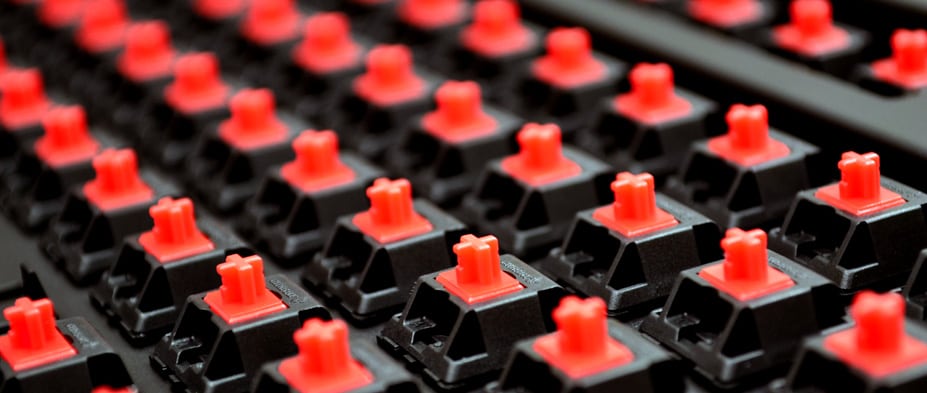
A majority of the mechanical keyboards use Cherry MX switches. The most popular are MX Black, MX Red, MX Brown, and MX Blue switches. Keyboards with MX Black and MX Reds switches are common with gamers because you have to traverse an entire switch before any key press can register. Such keyboards are exhausting for regular typing jobs.
Cherry MX Brown switches are suited for both daily typing and gaming. This type of keyboard has a tactile bump between the key which means one does not have to press the key down before a key press is registered. With such keyboards, you will spend little time pressing the key down to type a letter and this means you will type faster and with the least effort. Cherry MX Blue switches are popular for typists. These switches offer a tactile audible click whenever you press a key.
What is Your Acceptable Level of Noise?
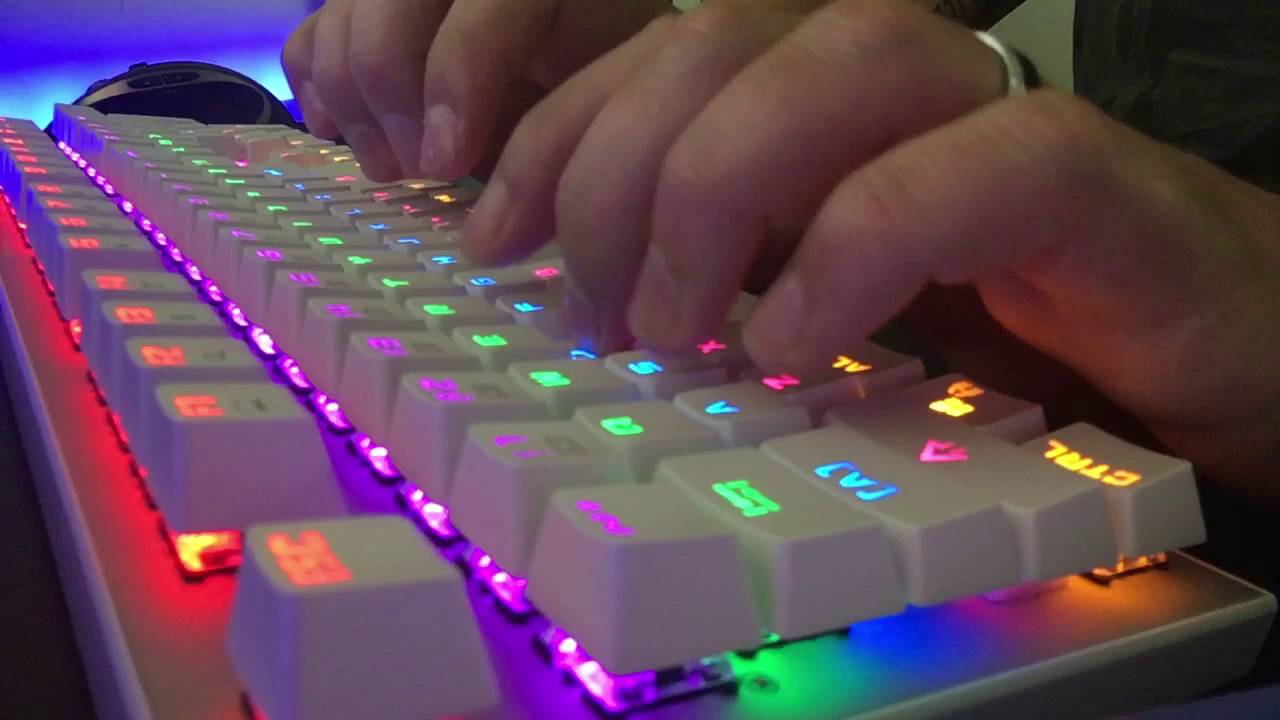
Mechanical keyboards vary when it comes to noise levels. Some enjoy noisy switches while others are highly sensitive to noise. If you do not like the clicking sound made when using a keyboard, you should choose a switch that is less noisy.
How Much Are You Willing to Spend?
The next thing you need to put into consideration when buying mechanical keyboards is the amount of money you are willing to spend. If you are pressed for cash, the Rosewill RK-900 series are models that offer keyboards that have different types of switches. This model is suitable for buyers who are on a tight budget.
If you have money to spend, some of the models you should consider include the Das Keyboard, Ducky Keyboards, and the Razer Blackwidow. For more precision, you can go for costly precision keyboards like the Filco’s Majestouch keyboards.
All in All
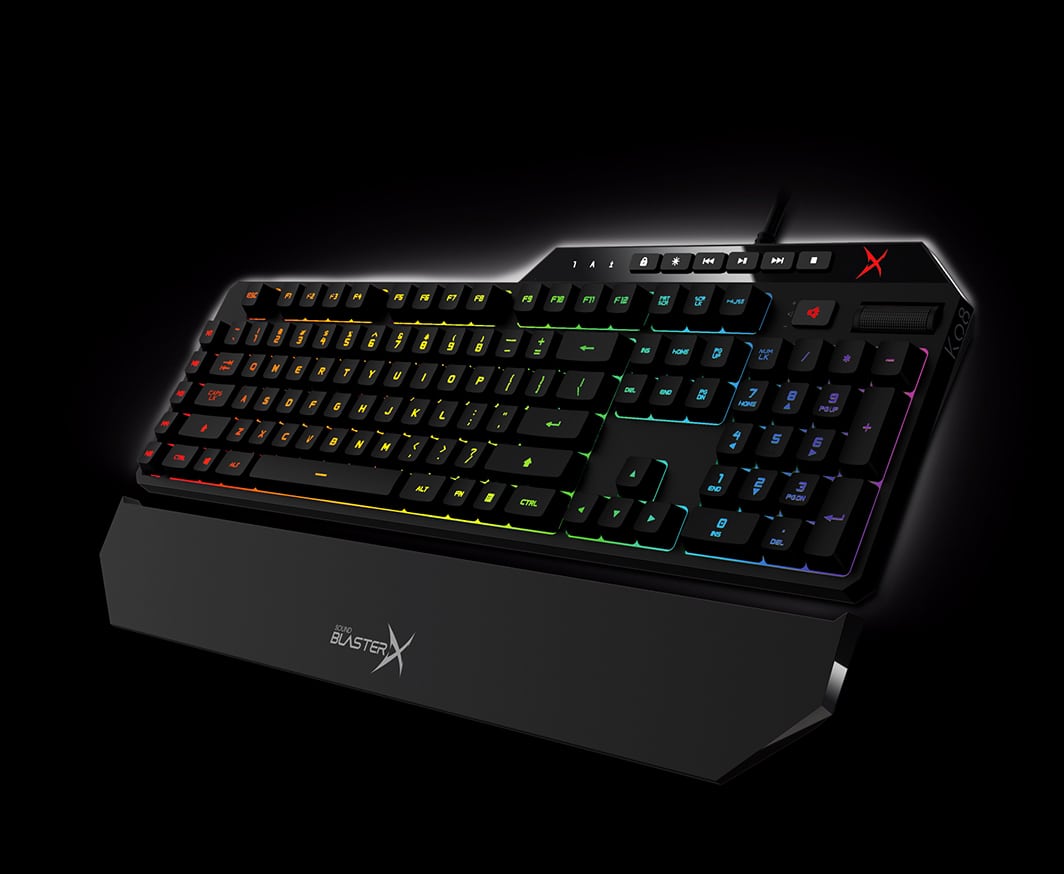
Mechanical keyboards are as ancient as the keyboard technology. Although these keyboards had long been abandoned for the modern scissor or membrane style keyboards, many people are reverting to the mechanical keyboards. If you are looking to shop for a mechanical keyboard, begin by determining what you want to use them for, which switch is best for you, your acceptable level of noise, and how much you are willing to spend.
