

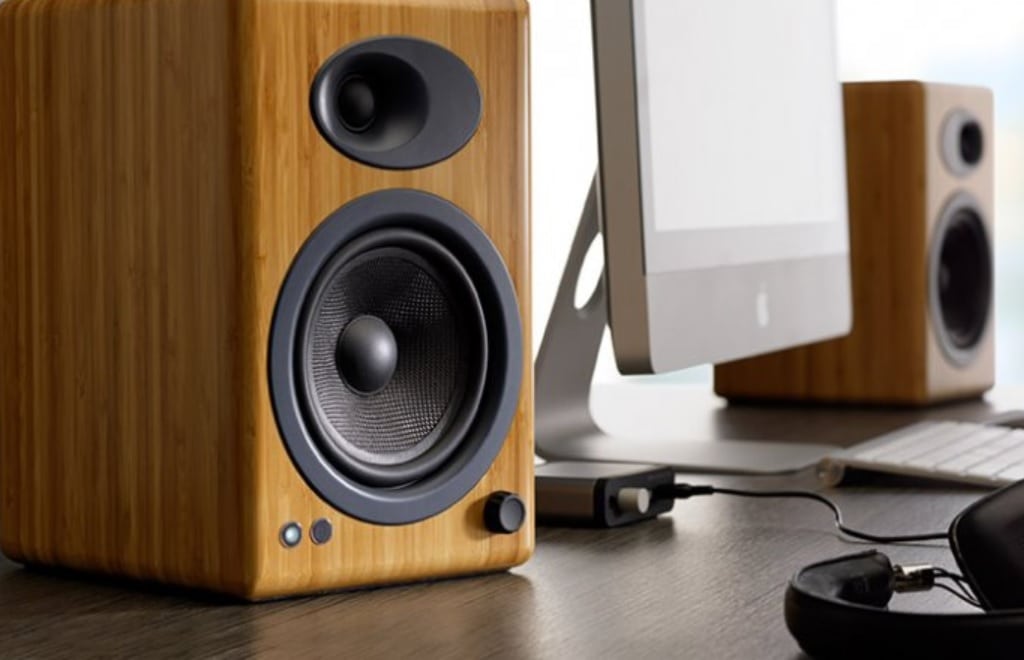
One is not naive to ask a question on how to get the best computer speakers. This is because we are in that era when a very bad product can be aesthetically on-point and come with a good price.
More so, a lot of things come to mind when one is looking for a computer speaker that will serve. You have to balance features and audio performance, durability, efficiency, price, come, and the list does not end there.
Some desktops like Mac and 3-in one computers come with inbuilt speakers. But then, there is no doubt of the fact that these internal speakers would not be able to answer the questions audiophiles and many who want loud and good sound would get to ask. Because of this, one thing that is for sure is that whether for gamers, film editors, musicians, or for personal activities like movies, games, listening to music, or just for getting alerts, it is always worth the while to have a decent set of functional desktop computer speakers around you.
Most people’s first time experience of computer speakers is with the sub-par set. And there comes the problem of wrong placement and perhaps a lack of attention and caution in following the designated instructions from the manufacturers on how best the electronic set is to be used for optimal results.
So before you hit the store, there are some pre-shopping tips you should have in mind before purchasing computer speakers, here we go.
1. Purpose
For most things that you procure, there is always a reason why you want them. Same with computer speakers. What you need them for determines what you focus or narrow your search down to. For instance, a top-notch music producer will rather go for a sophisticated set to get the accuracy and true quality of the sound.
The producer goes for the set that offers the right mix of sound reproduction with an accurate, balanced frequency response. He most probably goes for the ones that deliver a deep, rich bass.
For people who are actually not on the loud side, simple speakers will do. Elderly people and grannies may simply want a less noisy speaker for common app notifications and alerts.
As computers vary so also do computer speakers. Some computer speakers have an integrated digital-to-analog converter that allows the user to bypass analog output for a purer signal.
In essence, the idea is to know what you need them for before making a purchase. Purpose is the first factor in deciding what’s the best computer speakers are for you.
See Also: Best Computer speakers Under 100 Dollars: Review
2. Sound Quality
Having known what you want, the next thing on your list should be the audio reproduction you get. This is very important since a speaker is rightly nothing without a good sound quality. You have to check to see there is balance and if you get any distortion.
One thing that you will need to understand is that you will not get angelic audio reproduction with a computer speaker, but at least you can get something that will be great enough.
3. Available Space and Aesthetics
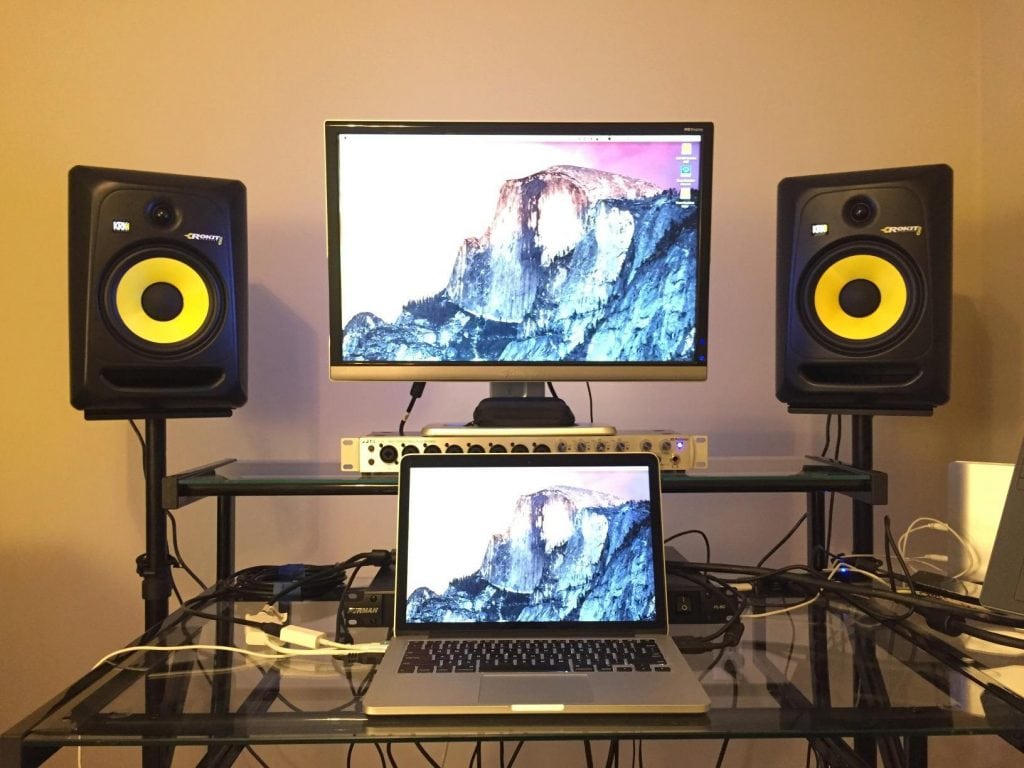
That’s another one… Space. The speakers will definitely take up some space. So acknowledging that will help you know the size to go for. To illustrate, anyone who decides to go for a studio monitor considers the space before putting it on a stand.
See Also: Best Computer Speakers Under 50 Dollars
When all is said and done, beauty is important, so you don’t have to forget about that. Whether you are a gamer, an editor, or you want something for watching movies you want your desk to look great.
4. Check Out The Various Features Of The Speaker
This is where functionality and device compatibility come into play. It goes somewhat in line with the purpose. Knowing what the computers will mostly be used sets your eyes on certain features and how well they function.
To have your answer, a sort of test run will not be a bad idea before making a purchase.
It is good you bear in mind that a good speaker exhibits no audible distortion. In other words, this is a proof the amplifiers and drivers were well designed. You may also want to check out the frequency response, headphone jacks and the speaker’s compatibility with other devices you may use them together with.
When buying online, the brand and their history of quality products may go a reasonable mile in making a purchase.
5. Price
We don’t need to pretend that price doesn’t matter because it really does. You have been told to always avoid cheap things, including computer speakers, but that doesn’t necessarily mean that the most expensive ones are the best. There are many speakers that are completely expensive in the same way that they are completely bad.
In the same way, when you really want to go for one that is very cheap, you should mostly expect to get something that is cheap in performance, make, and features.
To solve this dilemma, while you should have your mind on the price as well, the first thing should be the product you are getting.
6. Brands
Aside from all these, there is the limbo that many are caught in, on whether to go with a known brand or a good speaker. Some brands such as Logitech, JBL, Bose, and Harmon Kardon are among the best brands out there, but don’t we all know that even Apple has bad phones? The fact that it is a great brand doesn’t necessarily mean every product they produce would hit the mark of the best speakers.
The takeaway is for you not to get carried away with the brand and forget that you are looking for a great computer speaker and not a great brand, hence you can get your golden coin in the sack of an unknown brand. Nothing is wrong with that.
7. Reviews Are Good Too
While product manufacturers and promoters may go way overboard in exaggerating the quality and functionality of the computer speakers, the reviews and the majority of either recommendations or reservations will help you know what the speakers perform like, outside the catalogue.
In order to get reviews that you can count on, you can easily check online stores and read the different things people who have used them have had to say about some of the speakers. When many people are complaining about a particular issue with a speaker, you will do well to see and acknowlege the red flag. Also, there are product recommendations sites that have got experts to review these products.
There are also things like compatibility, the connectivity options available (Bluetooth or wired), and accessories.
